The AI Assistant in Base answers questions about the system, explains integration errors and helps resolve configuration issues before you need to raise a support ticket.
You can ask why a marketplace rejected your listing, what is blocking an order, or how to speed up your daily work in the panel — and get an answer straight away, without waiting for support.
Watch the video to see it in action.
Having trouble viewing the video? Watch it directly on YouTube: AI Assistant
Episode 3 of 7 in the AI in Base series. Every two weeks, we present one AI feature in Base that helps reduce manual work for you and your team. Next episode: 18 August.
The AI Assistant is a sidebar in Base that answers user questions using Base’s internal knowledge base. It analyses your question, understands the context you are working in and helps you solve problems directly inside the panel.
Our Support Team is fast — 80% of tickets receive a response within 15 minutes — but with the AI Assistant, many answers are available instantly.
How the AI Assistant can help
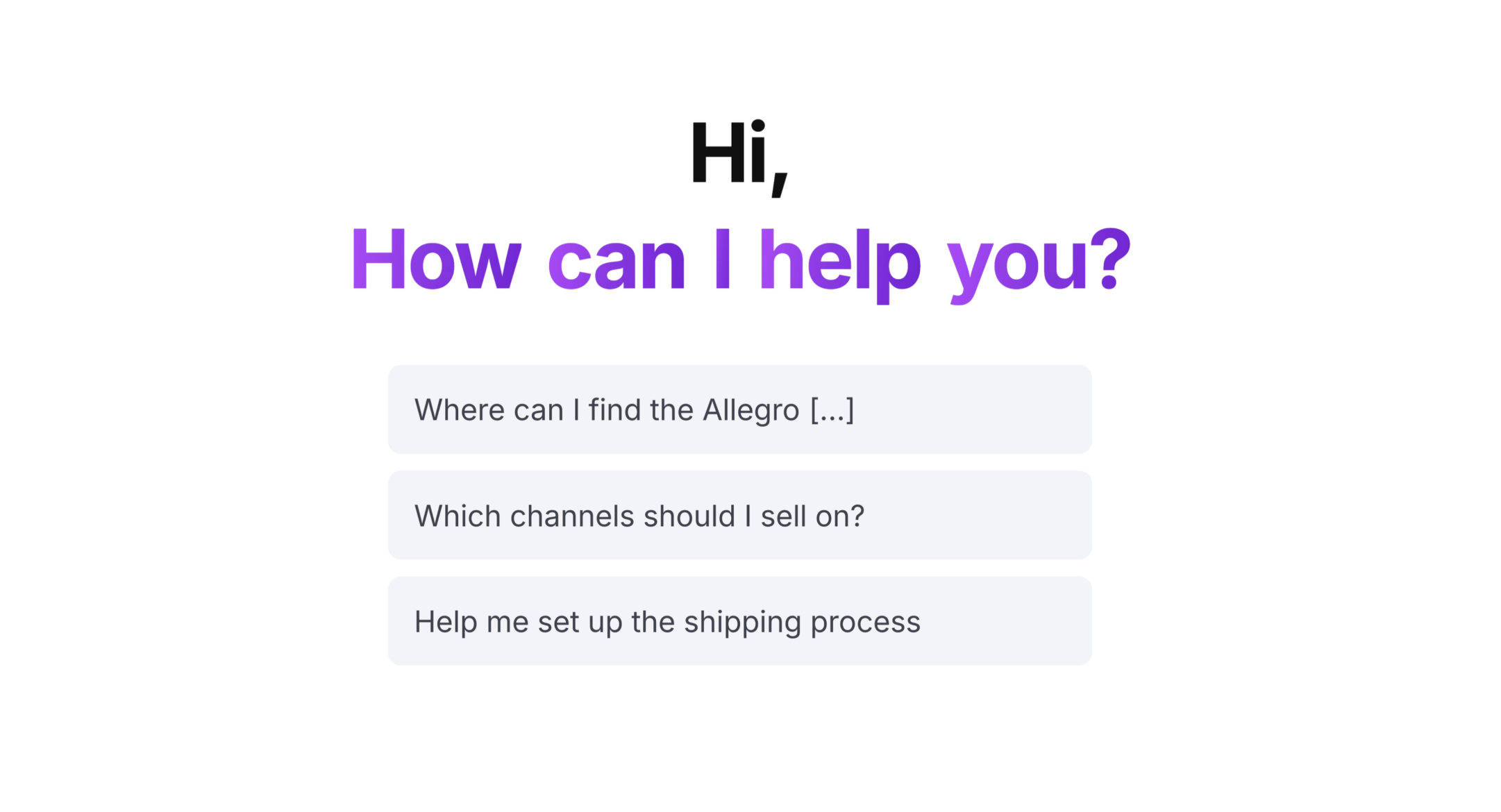
Start with a suggested prompt or ask your own question. The AI Assistant can:
- answer questions about the system, from how to enable a feature to where to find a report,
- help solve basic configuration issues by explaining what needs to be changed and where,
- identify gaps in your account setup and suggest next steps,
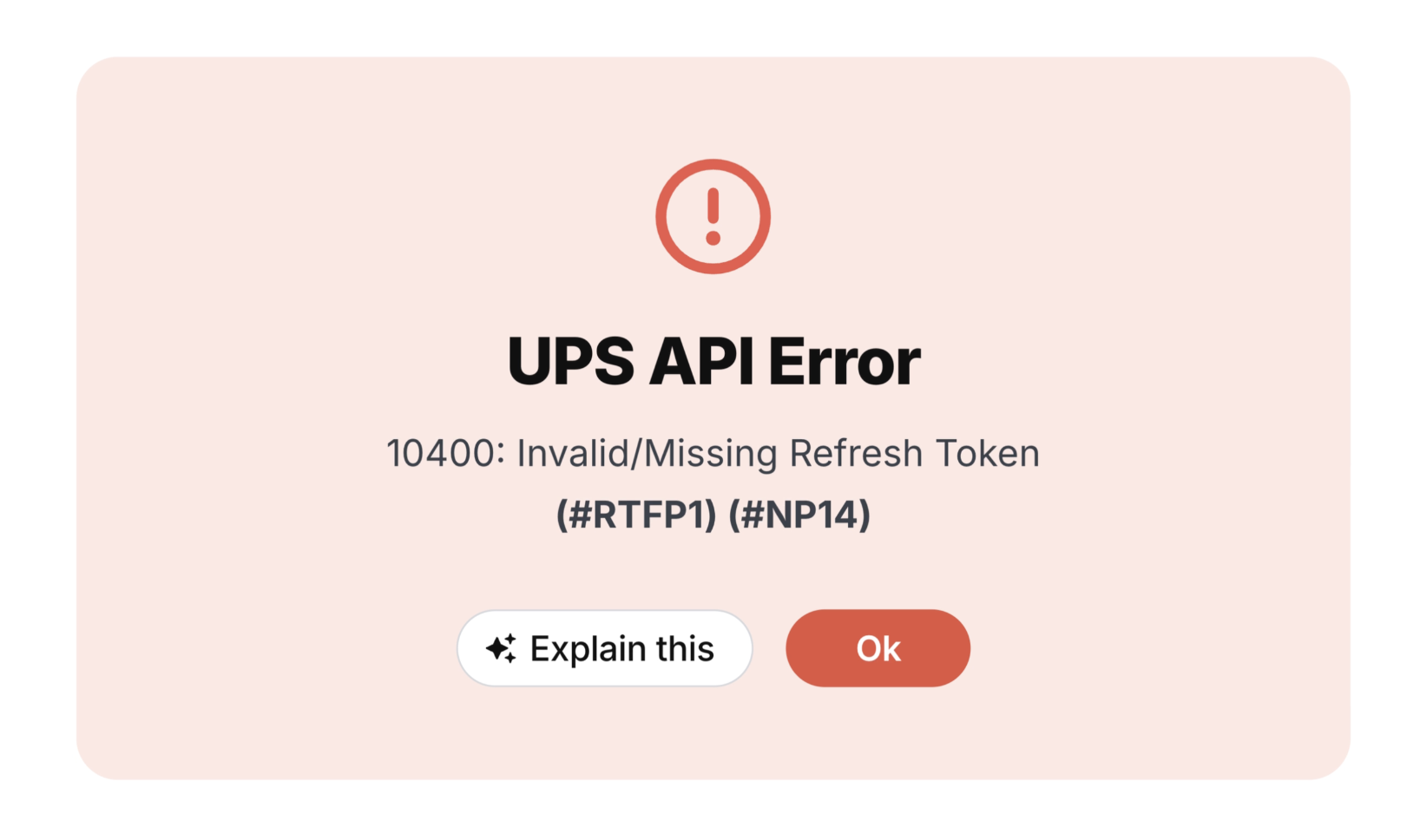
- explain errors related to courier and marketplace integrations,
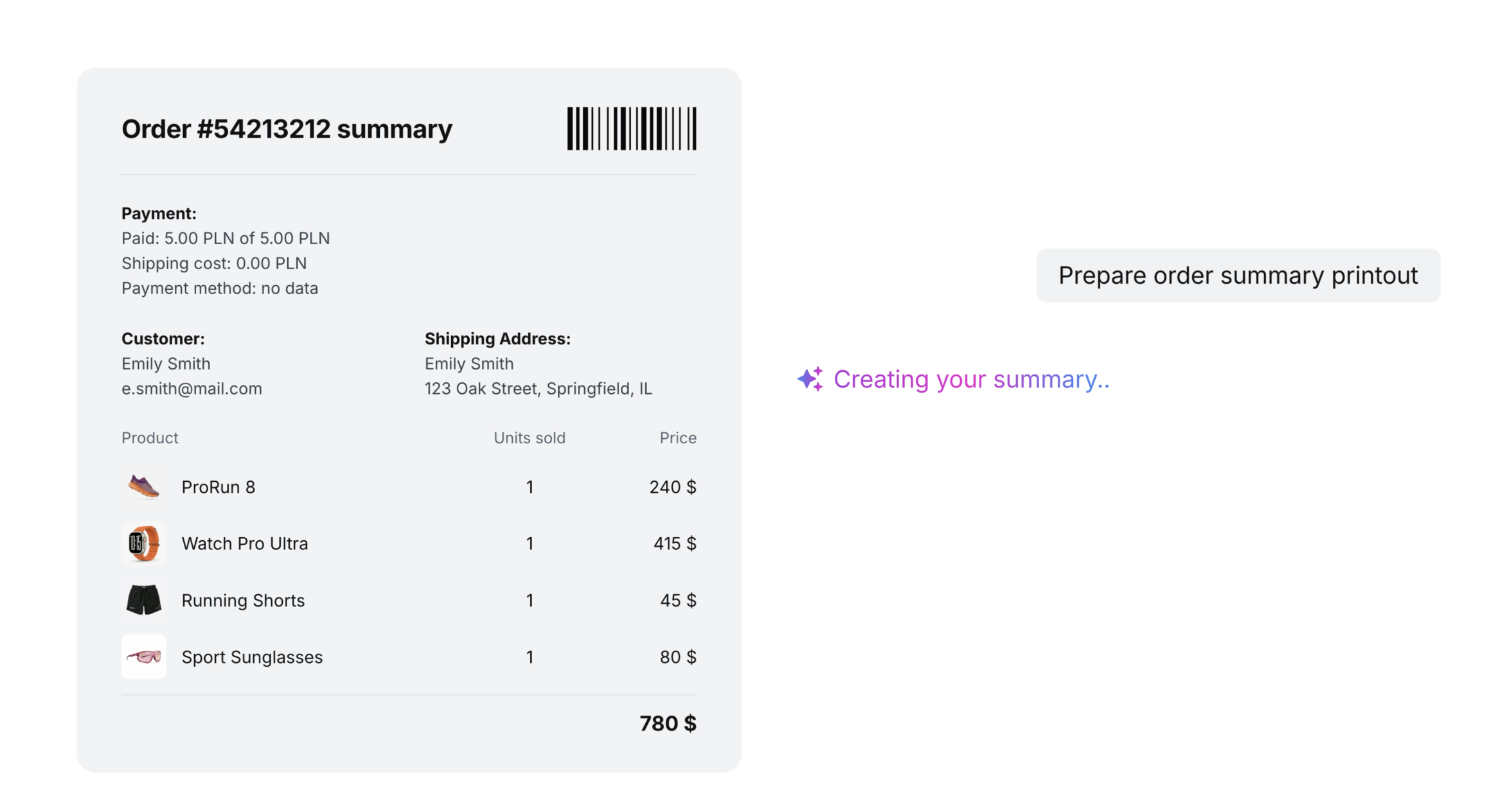
- help prepare a printout in seconds.
Here are a few questions you can start with:
- Why did the marketplace reject my listing?
- What is blocking this order?
- Which products are my bestsellers?
- Prepare order summary printout.
Where to find the AI Assistant
You can access the AI Assistant in three places — always close to where a problem may appear.
In the system sidebar
Open the chat and ask a question at any point while working in Base.
In the ticket creation form
Before you submit a ticket, the Solve with AI Assistant button opens a chat where the assistant will try to resolve the issue straight away.
Next to error messages
For selected courier and marketplace integration errors, you’ll see an Explain button. Click it and, instead of a raw error message, you’ll get a clear explanation of what happened and how to fix it.
What to know before you start
Access is managed at account level
Access is controlled at the account level, not by profile type. The AI Assistant respects each user’s permissions. If a user cannot perform an action in Base, they also cannot perform it through the assistant.
The AI Assistant does not replace support
Its role is to provide quick help with basic questions and common issues. If the problem is more complex, our Support Team is still here to help.
What does the AI Assistant change in day-to-day work?
The AI Assistant gives you an answer at the moment the question appears — without leaving the Base panel and without waiting.
Fewer tickets, faster answers
You can solve basic issues directly in the chat, while support remains available for cases that require deeper analysis.
Faster onboarding in Base
New team members can ask the assistant instead of interrupting colleagues or searching through documentation.
Configuration under control
The assistant can highlight gaps in account settings before they become a problem during sales operations.
Coming next: counting products with AI in WMS
In two weeks, we’ll put AI to work in the warehouse.
The next episode is about counting products with AI in Base WMS. Point the scanner camera at the stock, and AI estimates the number of items from the image.
Available on the blog from 18 August.
In this series
- AI in the product catalogue
- Autosell – AI Listing Agents
- AI Assistant in the Base panel – this article
- Counting products with AI in WMS – 18 August
- ACP – sell where your customers are already having conversations – 1 September
- MCP – connecting AI with your system – 15 September
- Series finale: all AI features in one place – 29 September
Try the assistant in your Base panel and start with one of the suggested prompts — or with the question you have been putting off for a while.
Don’t have an account yet? Try Base free for 14 days.
FAQ
Where can I find the AI Assistant in Base?
You can find it in the Base system sidebar, in the ticket creation form via the Solve with AI Assistant button, and next to selected courier and marketplace integration error messages via the Explain button.
Does the AI Assistant replace contact with support?
No. It helps you reach a solution faster. You can solve basic issues and configuration questions with the AI Assistant straight away. For cases that require support, you can still create a ticket.
Where does the assistant get its answers from?
It uses Base’s internal knowledge base. This means it answers in the context of the system you are working in, rather than giving generic responses.
Who has access to the assistant?
Access is managed at the account level, not by profile type. Users do not need a separate permission specifically for the assistant.
Why am I getting generic answers?
This usually happens when the question is too short or unclear. Be specific: describe what you are doing, what is displayed and what result you expect. The more context you provide, the more accurate the answer will be.

[…] tools securely. With the Base.com MCP integration, we use this standard to bring the power of our AI Assistant from the Base panel into the AI workspace you already […]