

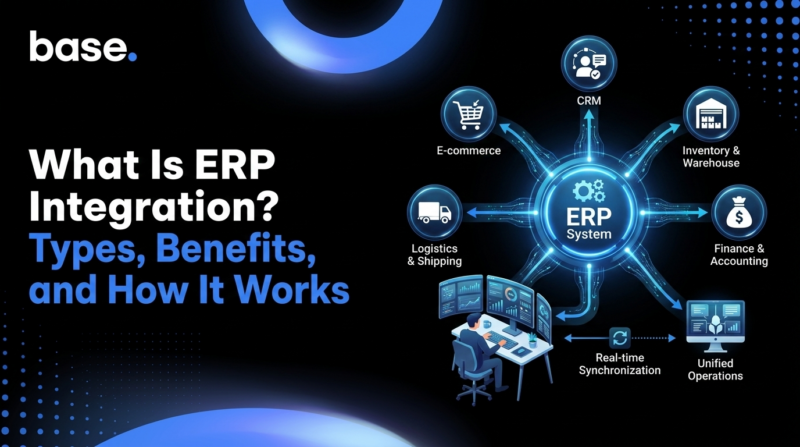
ERP integration is the process of connecting an Enterprise Resource Planning (ERP) system with other business software so that data moves between them automatically. Instead of staff re-entering the same order, inventory, or customer information in multiple places, the systems exchange it directly, on their own.
What is ERP integration?
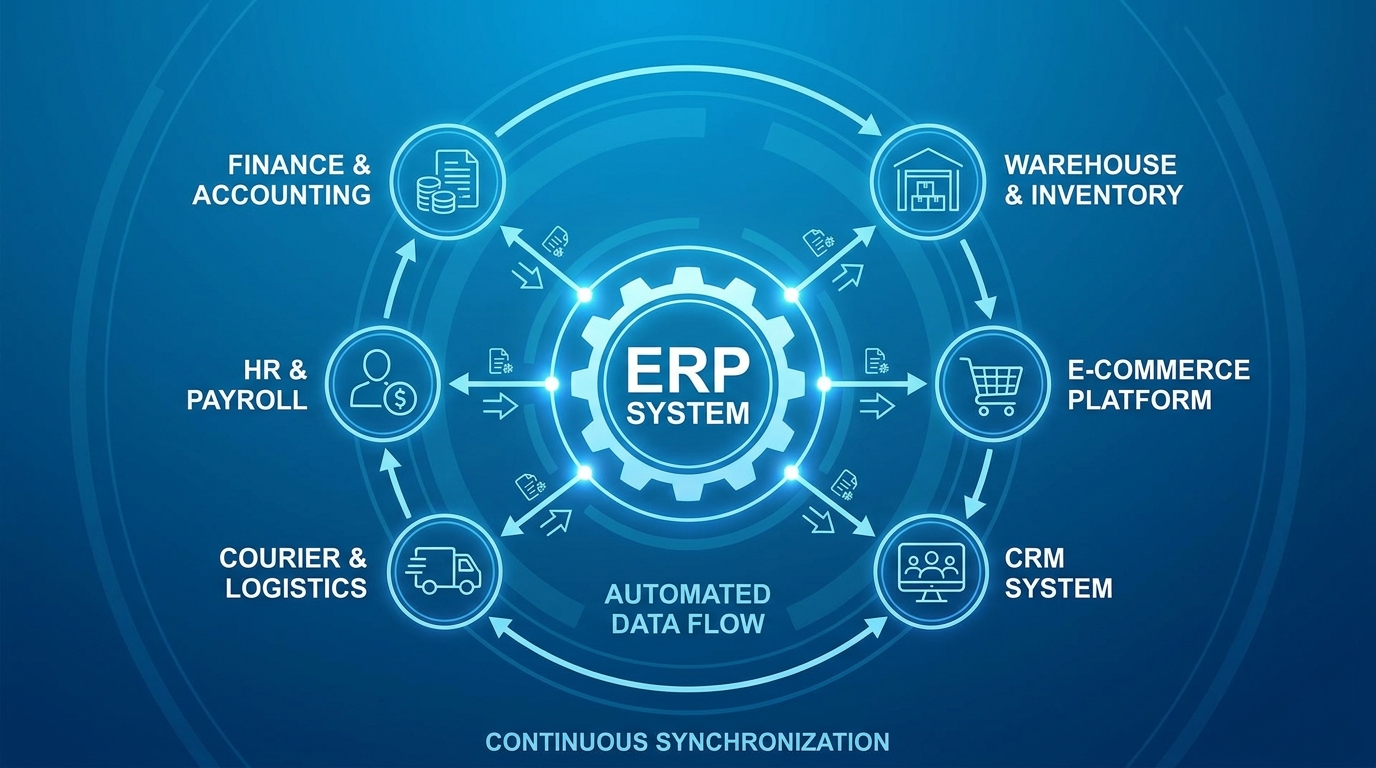
ERP integration means linking an ERP system with the other applications a business relies on: finance and accounting tools, warehouse and inventory software, sales and e-commerce platforms, CRM systems, courier and logistics tools, and more. The goal is a continuous, automatic flow of data across the business. If someone updates a stock count, changes a customer’s address, or places a new order in one system, that change should appear everywhere it needs to, without anyone copying it by hand.
It helps to separate an ERP system from an accounting system, since the two are often confused. An accounting system focuses specifically on financial records: invoices, ledgers, GST and tax reporting, payments. An ERP system is broader. It typically includes accounting as one module among several, alongside inventory management, procurement, manufacturing, human resources and, in many cases, customer or sales data. In India, this often means platforms like Tally, Zoho Books, or Marg ERP handle the accounting and GST, while a separate system manages inventory and sales.
An ERP integration can connect a business to either type of system, but what it synchronises and how deeply it does so will differ depending on which one is on the other end. In practice, ERP integration is what allows a company to run sales, fulfillment and finance as one connected operation instead of a set of disconnected tools that all need manual updating.
How does ERP integration work?
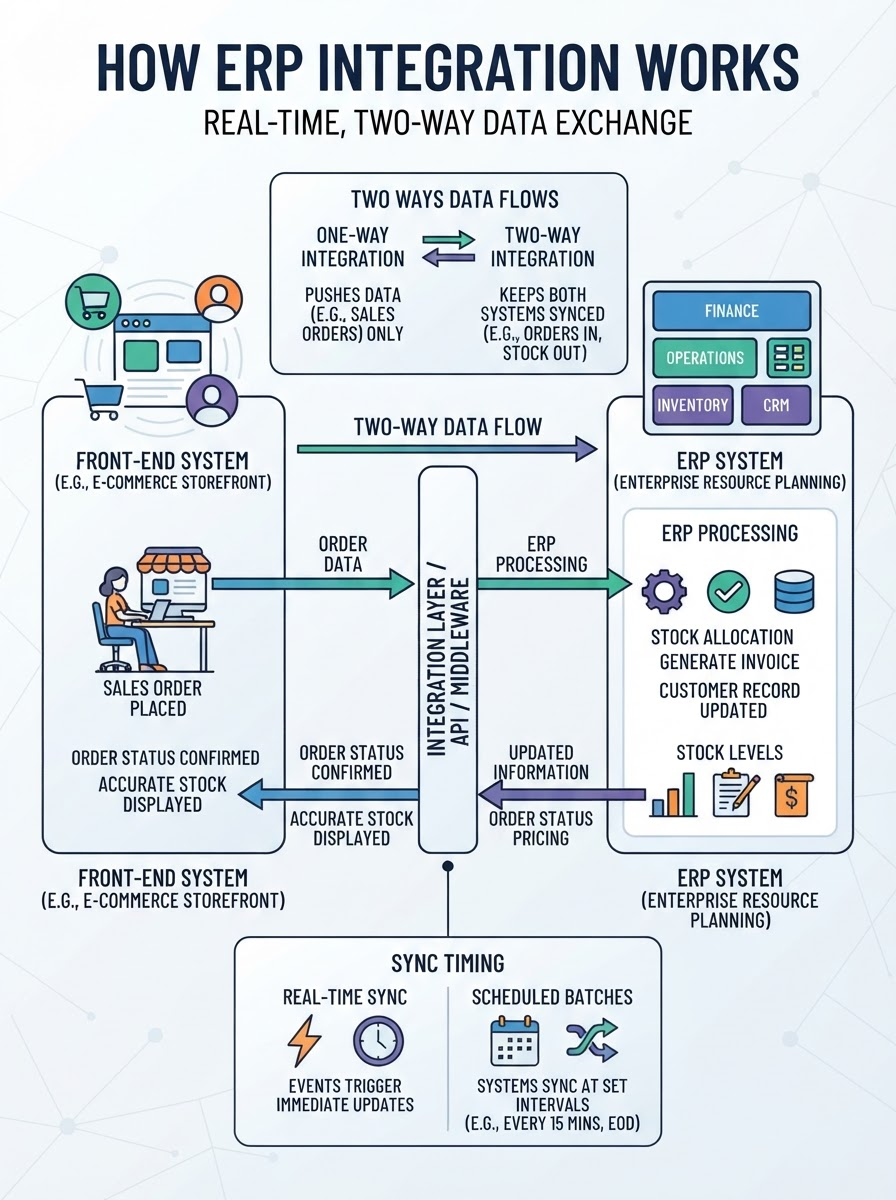
Once two systems are connected, data typically flows between them in one of two ways: in real time, as events happen (an order is placed, stock is received, an invoice is issued), or in scheduled batches, where the systems sync at set intervals, such as every few minutes or once a day. Real-time sync suits time-sensitive data like stock levels or order status, while batch syncing is often sufficient for reporting or less urgent records.
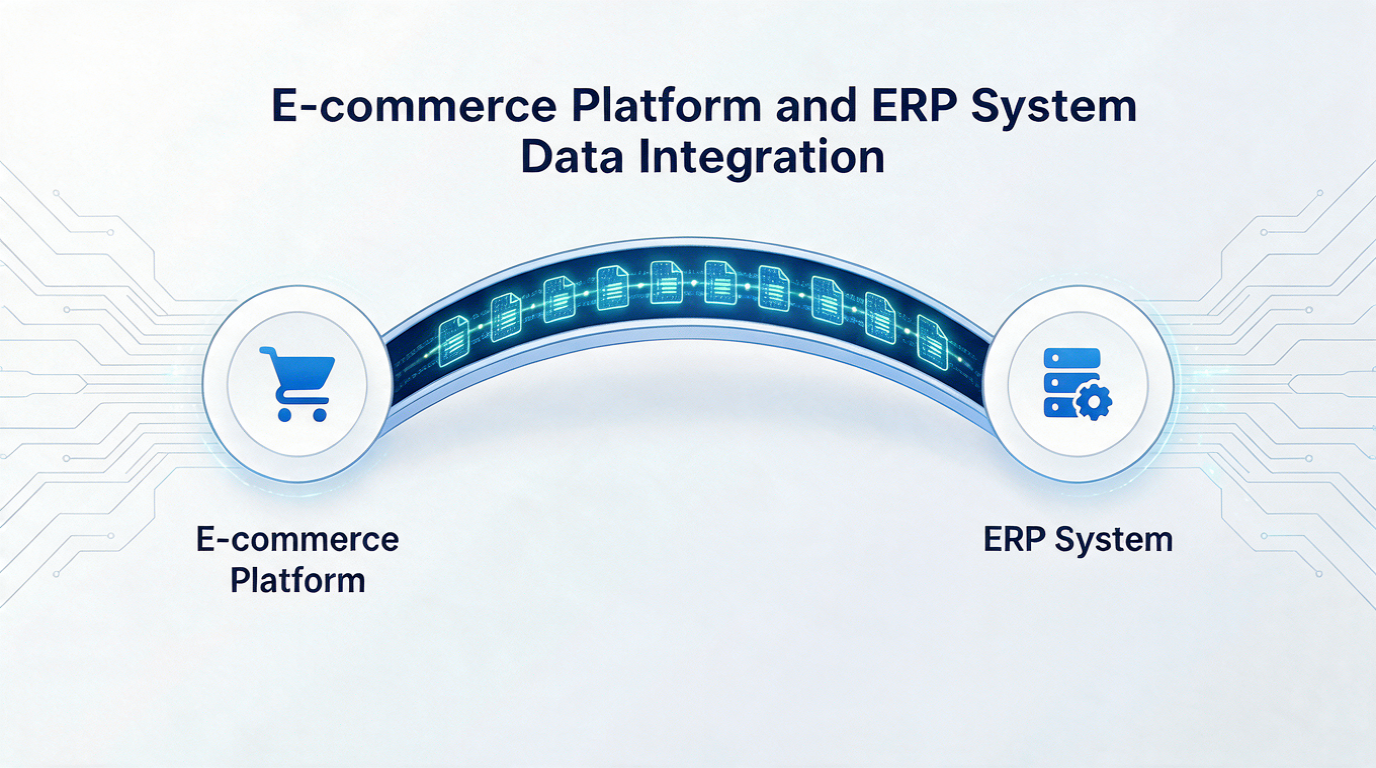
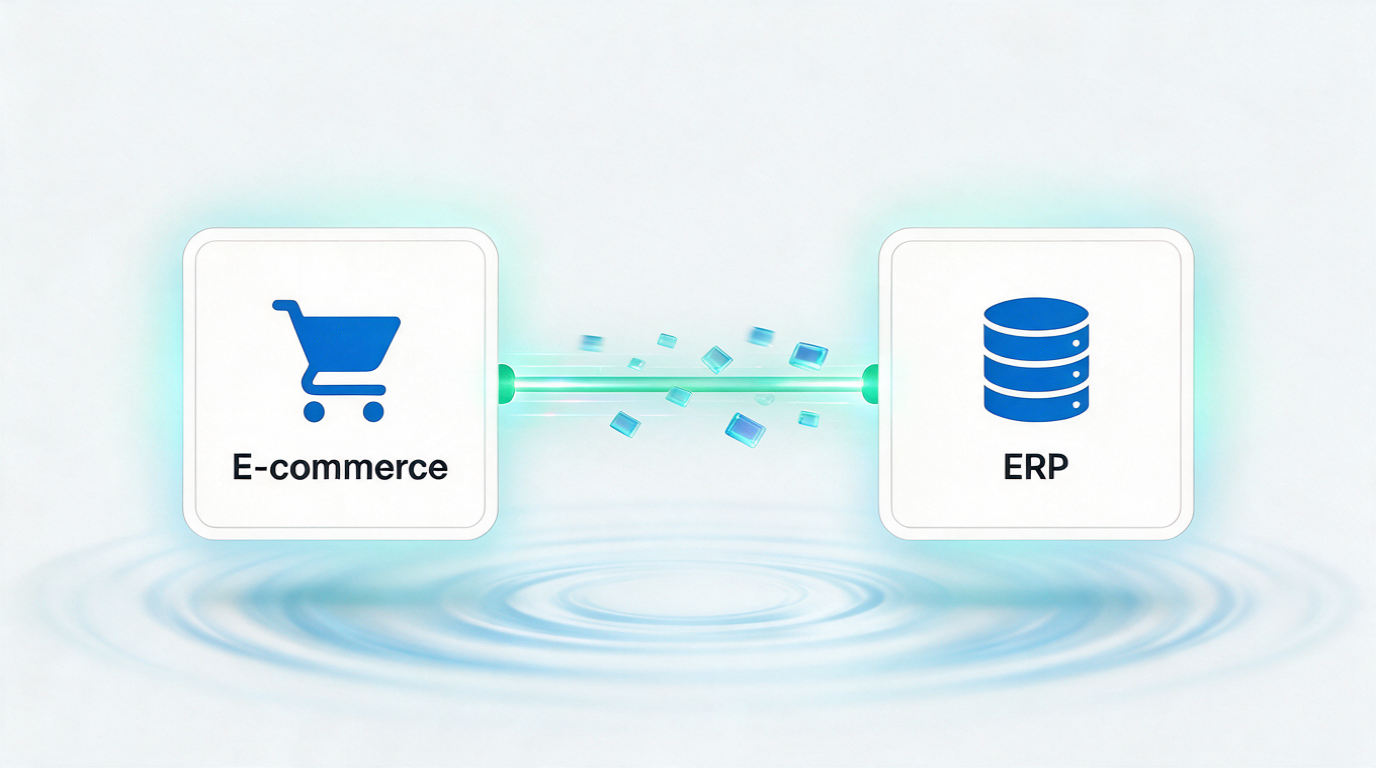
Data can also flow in one direction or both. A one-way integration might push sales orders from a storefront into an ERP system without sending anything back. A two-way integration keeps both systems updated: orders flow into the ERP, while the ERP pushes back stock levels, prices, or order status, so neither system falls out of date. The diagram below shows what this two-way exchange looks like in practice.
Behind the scenes, this exchange relies on a defined way for the two systems to “speak” to each other: a connection method that determines how data is formatted, transmitted, and matched up between systems with different structures.
Say a new sales order comes into a front-end system. The integration passes that order to the ERP, which allocates stock, generates the accounting document, and updates the customer record, all without anyone touching either system directly. If the integration is two-way, the ERP can also send updated stock counts or pricing back, so the front-end system stays accurate too.
Types of ERP integration (methods)
Not all ERP integrations are built the same way. The method chosen affects how much development work is involved, how easily the integration scales, and how it’s maintained over time. The most common approaches are:
Point-to-point integration
You build a direct connection between two specific systems, such as an e-commerce platform and an ERP. It’s often the fastest way to connect two tools, but each new connection needs its own custom build, and complexity grows quickly as more systems are added.
Enterprise service bus (ESB)
Instead of connecting systems directly to one another, an ESB acts as a central messaging layer that all systems connect to once. It’s a common approach for larger organisations running many interconnected systems, since it centralises control but typically requires more setup and ongoing IT involvement.
Integration platform as a service (iPaaS)
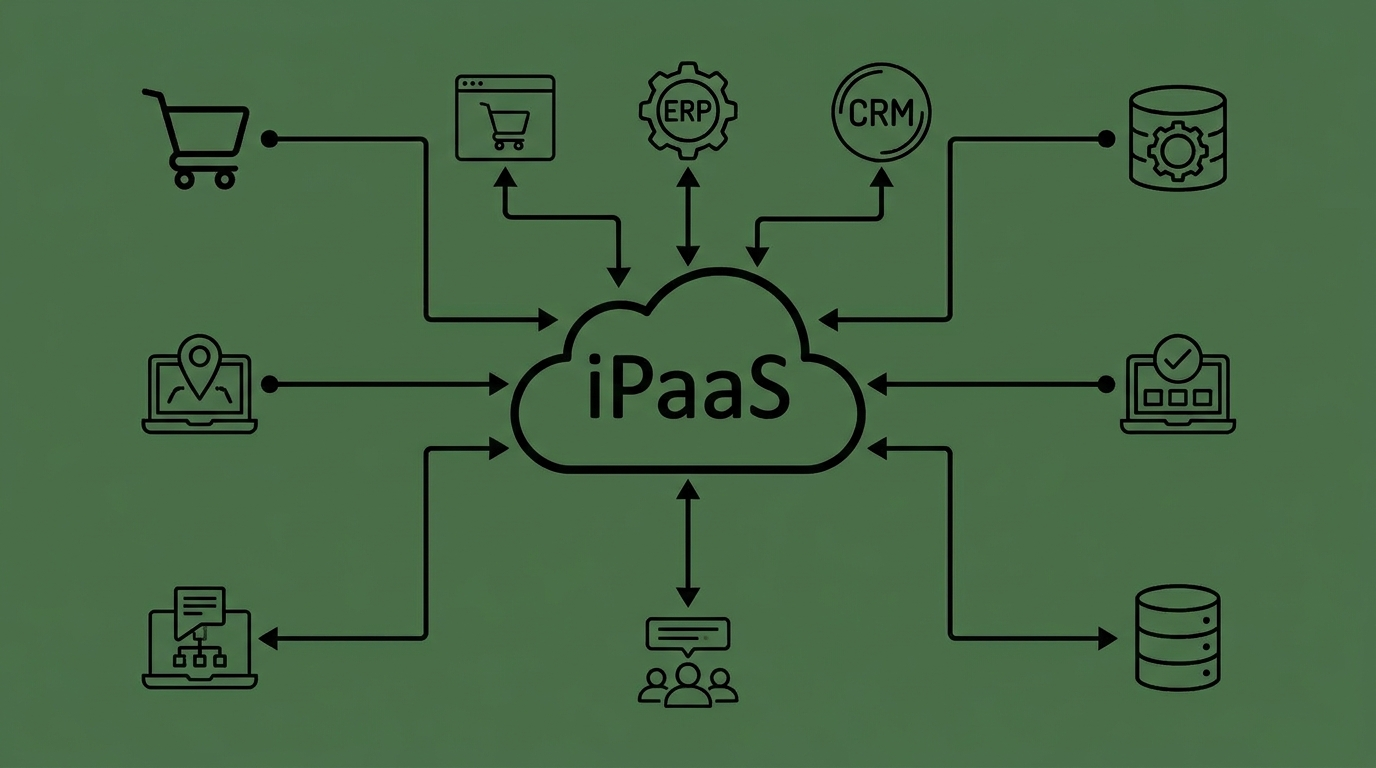
Cloud-based platforms provide pre-built connectors and a visual interface for linking systems, without requiring a company to build or host the integration infrastructure itself. This has become one of the most common approaches for mid-sized businesses that want flexibility without a large engineering team.
API-based integration
Systems connect through application programming interfaces (APIs), exchanging data directly in a structured, standardised format. Most modern ERP and e-commerce platforms expose APIs for this purpose, which makes API-based integration a common foundation for both point-to-point and iPaaS connections.
File-based integration
You export data from one system as a file, often CSV or XML, and import it into the other, either manually or on an automatic schedule. It’s the simplest method to set up and still common with older or more limited systems, though it’s typically slower and less reliable than real-time alternatives.
The right method depends on the specific business: how many systems need to be connected, how technical the team is, and how quickly data needs to move between them. As a rough starting point: a business running one or two systems can usually get away with point-to-point or file-based integration. A growing multi-channel seller juggling several tools typically outgrows that setup and moves to iPaaS. Large organisations running many interconnected systems, with dedicated IT teams to manage it, are the ones for which an ESB tends to make sense.
Benefits of ERP integration
Connecting an ERP system to the rest of a business’s software stack brings several concrete advantages:
- Fewer manual errors, since removing manual re-entry cuts down on typos, duplicate records and mismatched figures between systems.
- Faster operations, because orders, invoices and stock updates move on their own instead of waiting on someone to transfer them.
- Better visibility, with up-to-date inventory, order and financial data in one place instead of scattered across systems.
- Time savings, since staff spend less time on repetitive data entry.
- Easier scaling, so a growing order volume or a new sales channel doesn’t mean a proportional increase in manual work.
For businesses selling online specifically, these benefits add up fast. Our guide to the benefits of ERP integration for online stores covers this in more depth.
Common ERP integration challenges
ERP integration isn’t without friction. Setting one up often requires technical expertise that smaller teams may not have in-house, and a poorly planned integration can create as many data problems as it solves.
Ongoing maintenance matters too: when a system updates its software or changes its API, the integration needs upkeep to keep working correctly. A common real-world version of this: a courier partner updates its API and, if the integration isn’t monitored, orders can quietly stop syncing for hours before anyone notices, leaving stock counts wrong and shipments delayed. Choosing a method that doesn’t match the business’s scale or technical resources is one of the more common causes of a failed or underused integration, and switching providers later can be costly once processes are built around a specific setup. We cover these obstacles and how to avoid them in our guide to ERP integration challenges.
ERP integration for e-commerce
E-commerce businesses are one of the clearest cases for ERP integration, since online selling naturally produces the kind of data, such as orders, stock levels, customer information, and payment details, that needs to stay in sync with a back-office system. For Indian sellers, this data also flows through courier and logistics partners like Delhivery, Shiprocket and Ecom Express, adding another layer that needs to stay connected.
This is where Base.com can act as the operational layer between an e-commerce business and its ERP. Base.com connects multiple sales channels, marketplaces, warehouses, couriers and back-office systems, allowing orders and inventory data to move between them automatically. Instead of updating each channel separately, sellers can manage orders and stock from one place while keeping their ERP or accounting system updated.
For businesses selling across Amazon, Flipkart, Shopify, Meesho and other channels, this can make ERP integration easier to manage as the operation grows. See how e-commerce ERP integration with Base.com works for online sellers.


[…] the logic sits in one place instead of scattered across dozens of direct links. See our guide on types of ERP integration for a full […]
[…] An ecommerce ERP runs the back office of an online business: stock levels, purchase and sales orders, invoices and other financial documents, and the accounting entries that tie it all together. Instead of managing spreadsheets or juggling separate tools for accounting and inventory, an ERP keeps one shared source of truth that finance, warehouse, and operations teams all work from. For more on what this connection layer covers, see our overview of what ERP integration means for ecommerce. […]
[…] trusts. For the basics of how it works and the types of integration available, see our guide to what ERP integration is. Here’s what changes once the systems start talking to each […]
[…] FMCG and pharma distribution specifically, Base.com connects demand planning to SAP SD/WM and distributor ERP data natively, so supplier lead time and reorder calculations reflect actual distributor-level order […]