

Connecting your ERP to the rest of your business stack promises one thing: a single source of truth. Orders, inventory, pricing, and finance all talk to each other, all the time. In practice, most teams hit the same handful of roadblocks along the way. This article walks through the most common ERP integration challenges and the actual fixes.
What are the main ERP integration challenges?
Most ERP integration problems come down to a small set of categories: data quality, legacy systems, the wrong integration method, unreliable sync, underestimated cost, and slow user adoption. Security cuts across all of them. Here’s each challenge and the fix.
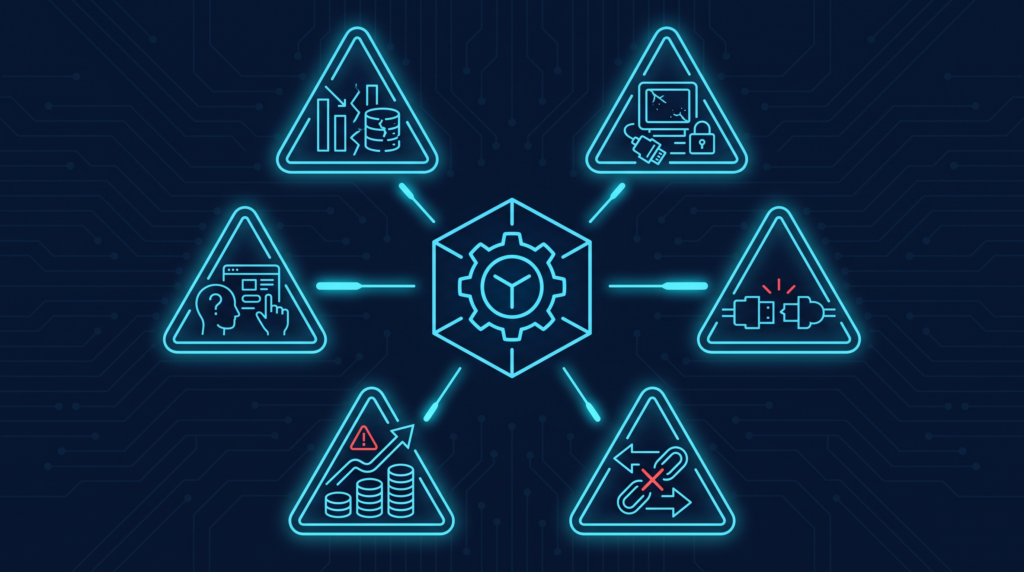
Data quality and inconsistent formats
Two systems rarely describe the same customer, product, or invoice the same way. One stores a name as a single field, another splits it into first and last name. Product codes, date formats, and units of measure differ too. Left unresolved, small mismatches don’t stay small. They travel. A wrong HSN code in one system becomes a rejected e-invoice. A mismatched GSTIN becomes a blocked payment. A duplicate customer record becomes two support tickets for one problem.
It’s the same issue two courier companies run into when one sorts by pincode and the other by locality name. Without a shared reference, records end up in the wrong pile.
Solution: Standardize master data before connecting systems. Pick one format for identifiers, dates, and currency, and decide which system owns each data type. Add validation rules so bad records get caught before they enter the integration, and run a proper data-cleaning pass as its own step, not something squeezed in at the end.
Integrating legacy and disparate systems
Plenty of ERP setups still run on software that’s been around for a decade or more, with little documentation and no real API. Wiring a real-time integration onto something that was never built to share its data is one of the slowest parts of any ERP project, especially when several old and new systems all need to talk to each other.
It’s a bit like renovating a shop while it’s still open. You can’t shut the shutters for six months. Customers keep walking in, so the work happens around them, one section at a time.
Solution: Start with an audit. What data does each system hold, can it be accessed programmatically, and what manual workarounds already exist to cover the gaps? Where a direct connection isn’t realistic, a middleware layer or connector can translate between old and new without forcing either side to change. Fix the highest-value connections first, not everything at once.
Choosing the wrong integration method
Point-to-point connections, wiring every system directly to every other system it needs to talk to, are the fastest way to get something working. They’re also the fastest way to create a mess. Every new system added multiplies the number of connections to maintain, and one change quietly breaks three others downstream.
Think of a courier picking up separately from every warehouse for every store, instead of routing everything through one hub. It works with two warehouses. It falls apart at twenty.
Solution: Match the method to your actual volume and real-time needs, not whatever’s quickest to set up today. Once more than a couple of systems are in play, API-based integrations or an integration platform (iPaaS) hold up far better than point-to-point, because the logic sits in one place instead of scattered across dozens of direct links. See our guide on types of ERP integration for a full breakdown.
Sync reliability and real-time data
The classic failure mode: an integration that works fine in testing, then quietly degrades once it’s live. Batch syncs that only run every few hours introduce delays, and those delays ripple straight into fulfilment and stock accuracy. Worse, some failures are silent. An update just doesn’t make it across, and nobody notices until a customer places a COD order for something that’s already sold out.
It’s the shopkeeper who updates the paper stock register once a day while the online store sells around the clock. By the time the register catches up, an item has already been sold twice. Online, that oversold order usually comes back as an RTO, or worse, an NDR the courier can’t even deliver.
Solution: Use event-driven or real-time sync for anything that changes often and hits the customer directly, stock levels and order status especially. Save batch processing for the low-urgency stuff. Build in monitoring too: alerts for failed or delayed syncs turn a silent failure into something your team catches before the customer does.
Cost, scope and maintenance
ERP integration projects usually get budgeted for the build and nothing after. Infrastructure, training, and ongoing maintenance are easy to leave out, and scope has a habit of creeping mid-project: “while we’re in there, let’s also connect X.”
It’s the kitchen renovation that only budgets for new cabinets, not the plumbing behind the wall that turns out to need replacing too.
Solution: Treat the integration as an ongoing job, not a one-time project. Roll it out in phases, starting with the highest-value connections, so cost stays predictable and each phase informs the next. Set clear goals up front, and name one owner responsible for monitoring and fixes once it’s live. Someone has to own it after the launch excitement wears off.
Change management and user adoption
A technically perfect integration can still fail if the people using it don’t trust it. Staff used to doing something manually tend to resist a system that now does it for them, especially if nobody asked for their input before it went live.
Handing someone a fully automated system after twenty years of a manual register is like handing them a smartphone after twenty years of a landline. The features don’t matter if they don’t know where to tap.
Solution: Bring in the people who’ll actually use it while requirements are still being defined, not after the system is built. Explain what changes for their day-to-day work and why it helps them, not just the business. Role-specific training, warehouse staff, sales, and finance each getting what’s relevant to them, lands better than one generic session for everyone.
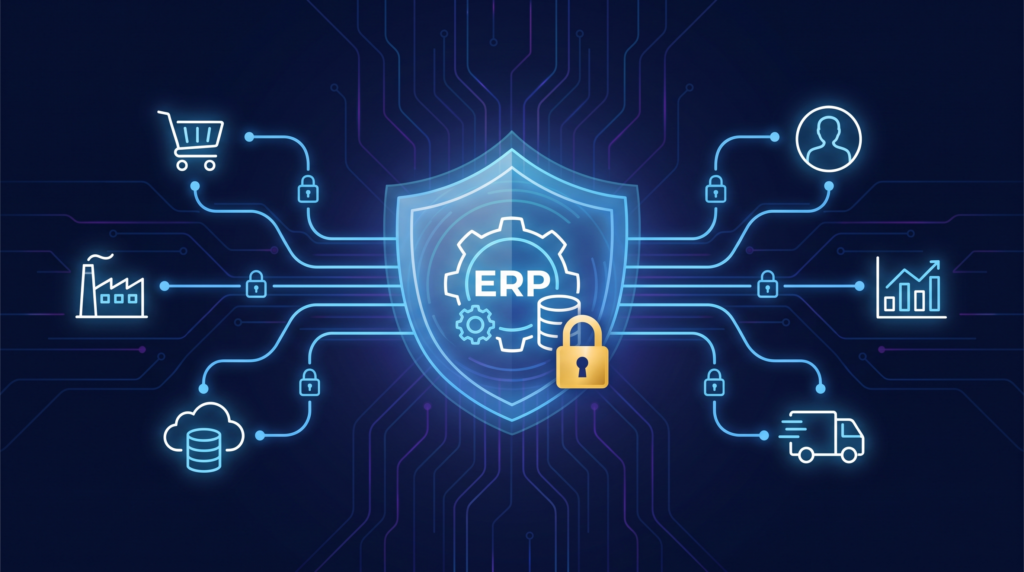
Security and compliance
Integrating systems means sensitive data (customer records, payment details, pricing) now moves between platforms instead of sitting in one place. Every added connection is a potential gap: inconsistent access, unencrypted data in transit, or integration credentials with far more access than they need.
It’s handing out spare keys to your shop without keeping track of who has one. Eventually you don’t know who can walk in.
Solution: Apply the same access discipline to the integration as you would to the core systems. Least-privilege access, encryption in transit and at rest, and regular reviews of who and what can get in. Build compliance into the design from day one instead of bolting it on later, and revisit access permissions as staff and systems change.
Quick reference: before, during, and after
Before you build: Audit every system in scope, standardize your data formats, and decide which system owns what. While you build: Choose a method that fits your actual volume, not the fastest option. Roll out in phases. Test on a small batch before switching on full sync. After you launch: Monitor for failures instead of waiting for customers to report them, and name one person who owns the integration long-term.
ERP integration for e-commerce
E-commerce adds its own layer on top of everything above. Indian sellers are rarely on one channel. Amazon, Flipkart, Meesho, and Myntra all need stock, pricing, and order data to match, in real time, on top of your own website. A few minutes of lag can mean selling something that’s already gone, which usually ends in an RTO or an NDR nobody wanted.
A platform like Base connects your sales channels, inventory, GST-compliant invoicing, and accounting straight into your ERP, so stock and pricing stay in sync everywhere automatically instead of needing someone to reconcile it by hand.


[…] Ongoing maintenance matters too: when a system updates its software or changes its API, the integration needs upkeep to keep working correctly. A common real-world version of this: a courier partner updates its API and, if the integration isn’t monitored, orders can quietly stop syncing for hours before anyone notices, leaving stock counts wrong and shipments delayed. Choosing a method that doesn’t match the business’s scale or technical resources is one of the more common causes of a failed or underused integration, and switching providers later can be costly once processes are built around a specific setup. We cover these obstacles and how to avoid them in our guide to ERP integration challenges. […]
[…] traditional ERPs are designed for manufacturers or wholesalers, not digital-first brands. D2C ERPs are built to sync real-time orders, manage multi-channel inventory, and support faster […]